

FDX Export
Export your Jujukraft scripts to FDX format so you can continue working in other screenwriting tools, keeping your script elements intact.
How to Export to FDX
Section titled “How to Export to FDX”Step 1: Open the Share Panel
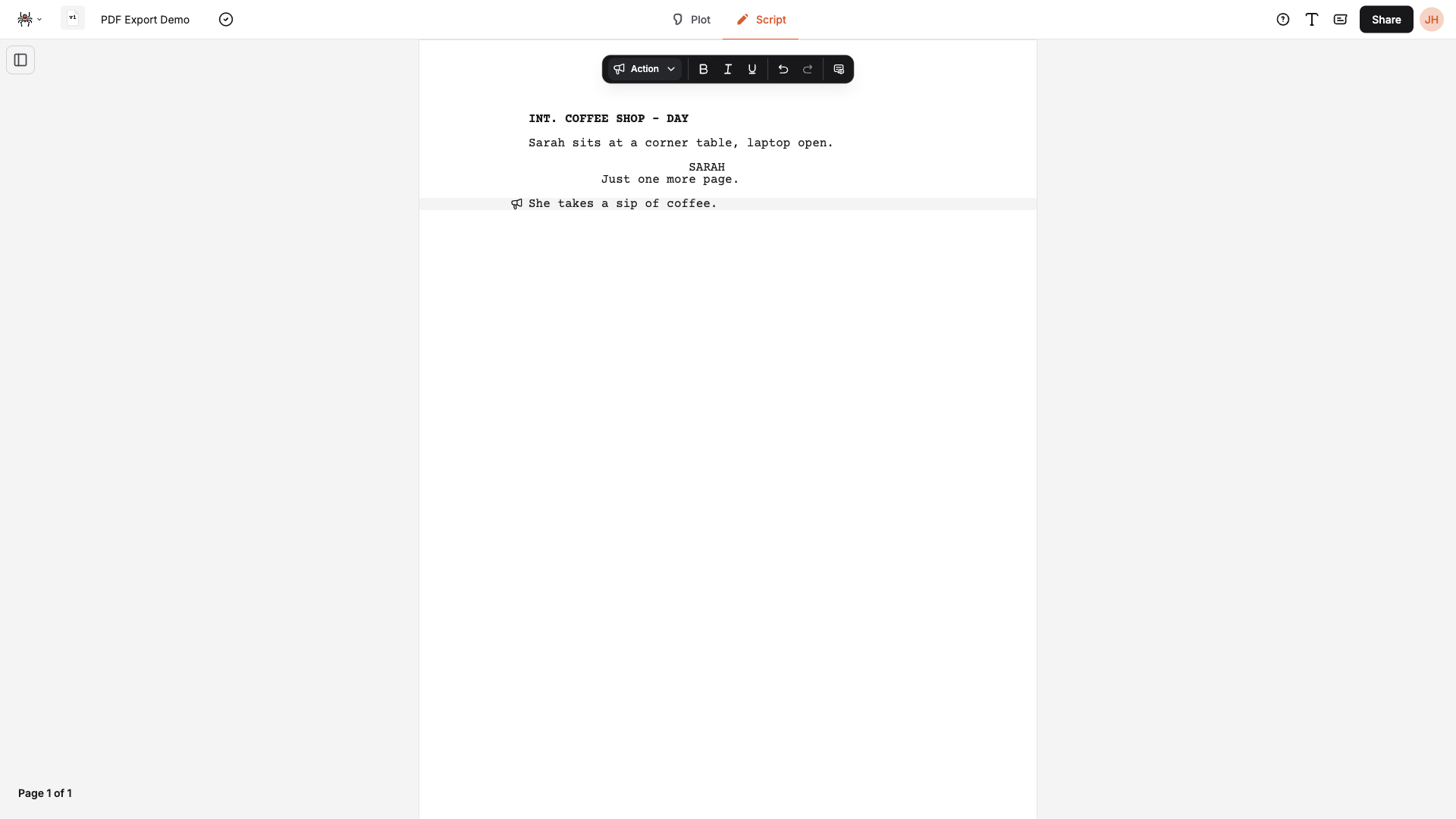
Section titled “Step 1: Open the Share Panel”Click Share in the top bar to open the Share panel.
Step 2: Download as FDX
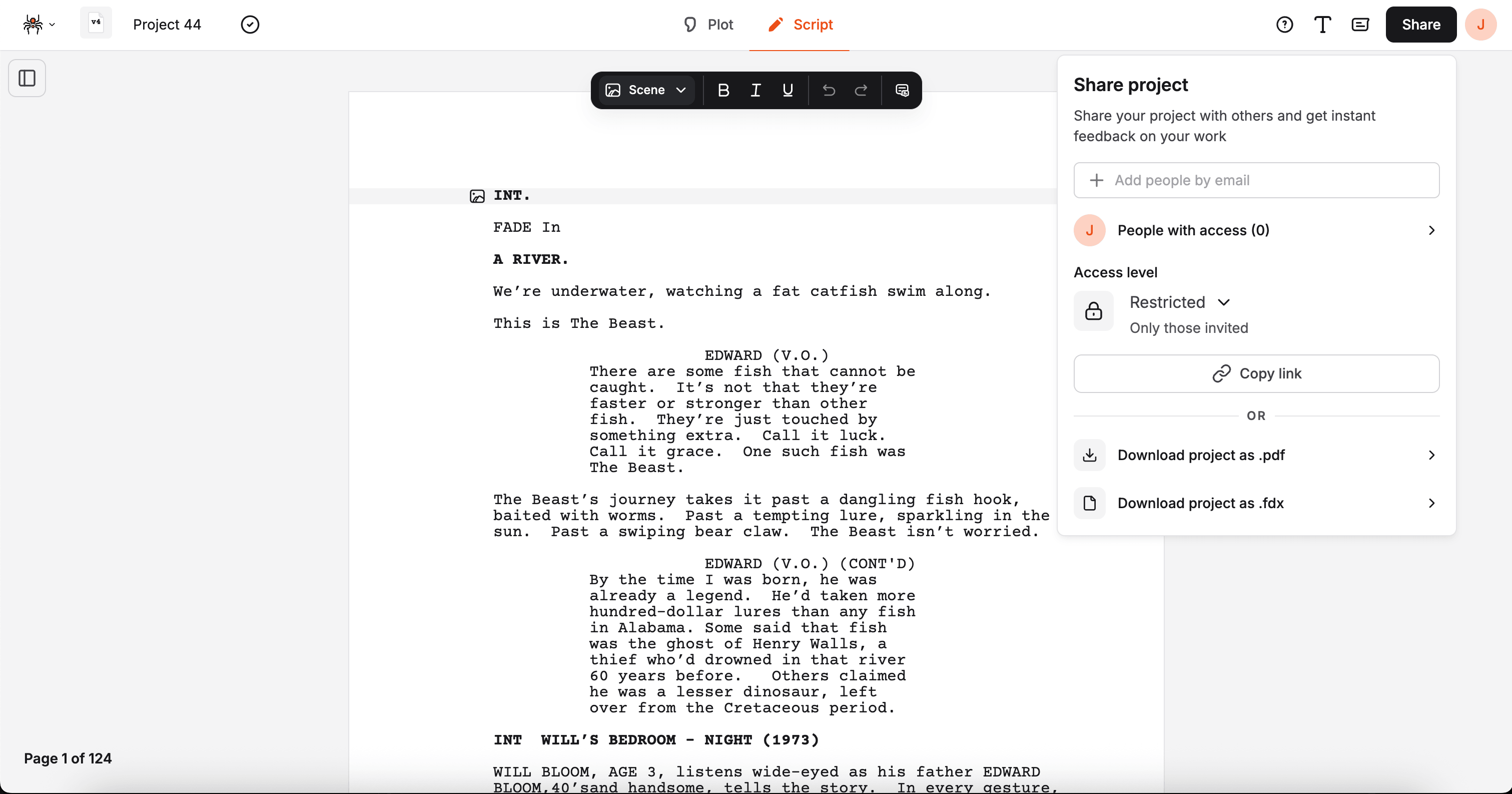
Section titled “Step 2: Download as FDX”In the Share panel, scroll past the “OR” divider and click Download project as .fdx.
The file downloads immediately — there are no additional options to configure.
What Gets Exported
Section titled “What Gets Exported”Your FDX file includes all script elements with their types preserved:
- Scene Headings
- Action
- Character
- Dialogue
- Parenthetical
- Transition
- Dual Dialogue — parallel dialogue blocks are correctly marked so they render side by side
File Information
Section titled “File Information”- Format: FDX, version 1
- Encoding: UTF-8
- Filename:
<script-name>.fdx
Troubleshooting
Section titled “Troubleshooting”Download does nothing:
- Make sure you’re on the editor page and the Share panel is open
- Refresh the page and try again
Elements look wrong after opening the file:
- Check that your script elements are correctly identified in the Jujukraft editor before exporting
- Verify that scene headings, action lines, character names, and dialogue are each set to the right element type
Next Steps
Section titled “Next Steps”- Explore PDF Export
- Explore JKJ Export
- Explore Public Sharing