

JKJ Export
JKJ is Jujukraft’s own backup format. Use it when you want a complete copy of your project — the script, plus the work around it.
If you need a file to send or print, export a PDF. If you want to keep writing in another screenwriting app, export FDX. JKJ is the copy you keep for yourself.
How to Export
Section titled “How to Export”Step 1: Open Share
Section titled “Step 1: Open Share”Click Share in the top bar, then open the Export tab.
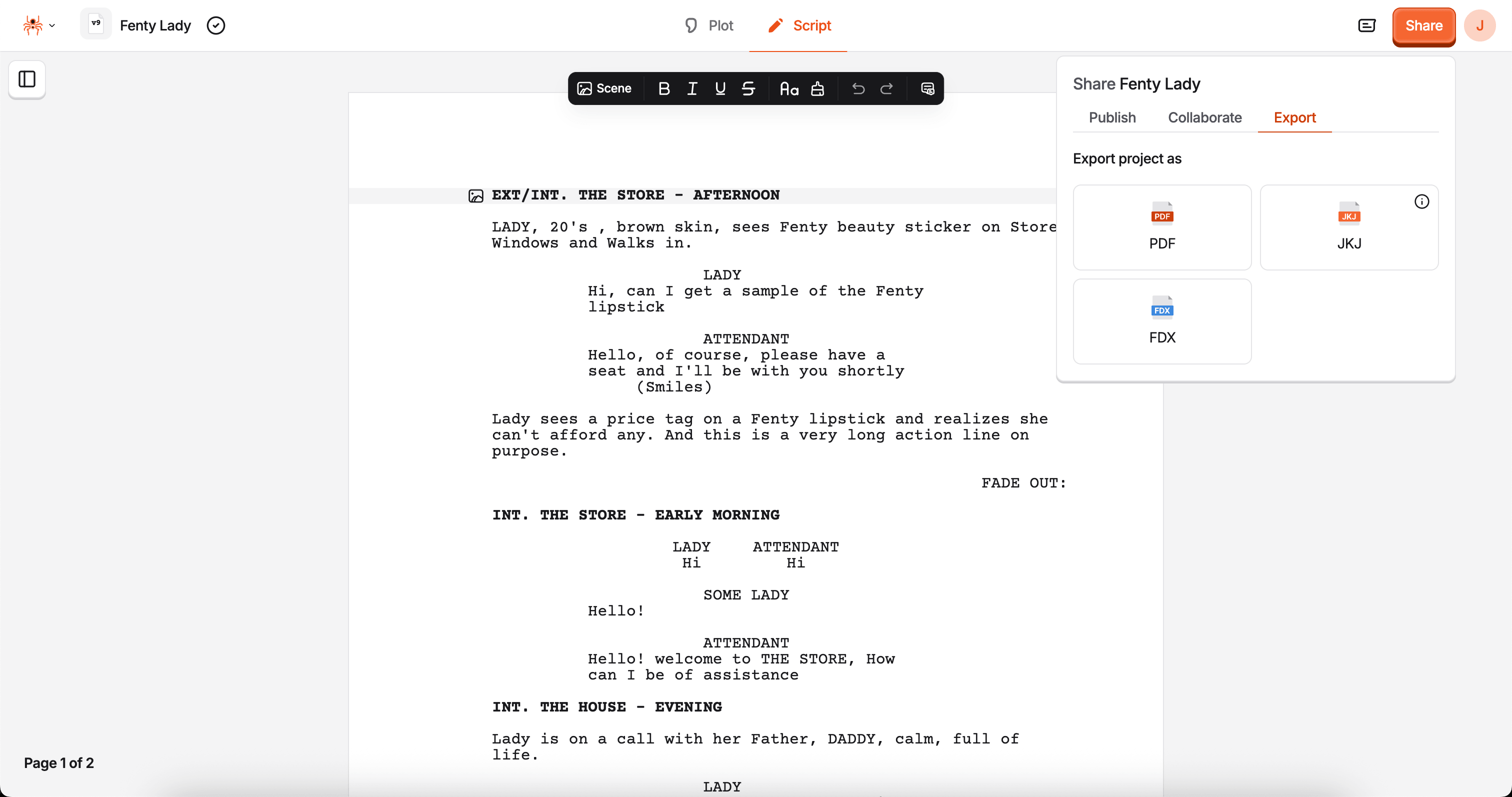
Step 2: Choose JKJ
Section titled “Step 2: Choose JKJ”Click the JKJ card. The file downloads right away — there’s nothing else to set.
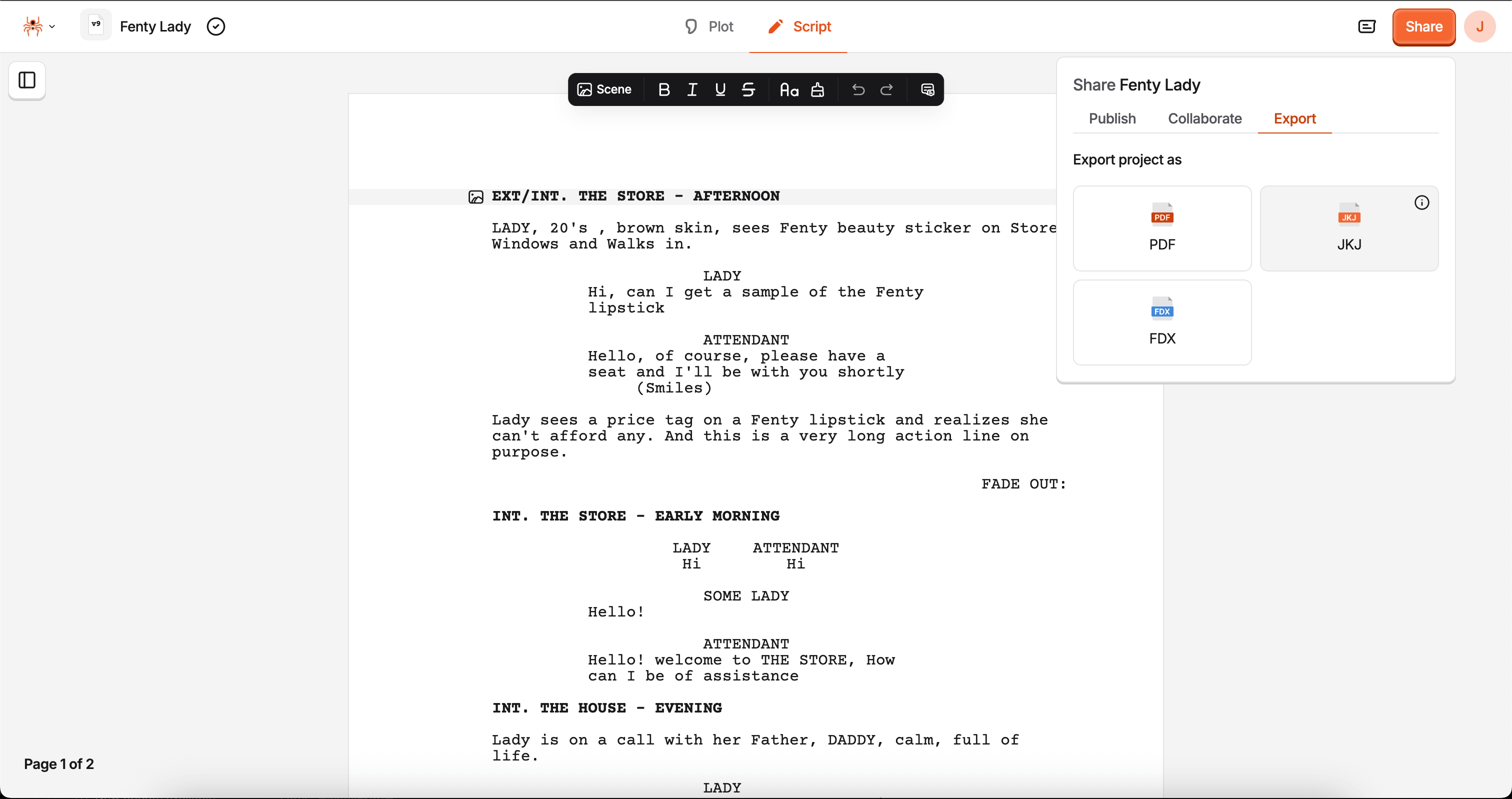
What’s in a JKJ file
Section titled “What’s in a JKJ file”A JKJ file is a snapshot of your project as it exists in Jujukraft. It includes:
- Your script
- Your title page
- Your plot and beats
- Your Brainstorm canvas: cards, shapes, arrows, text, and frames
- Characters and other project details
That’s why it’s a better backup than PDF or FDX, which only carry the script.
When to use JKJ
Section titled “When to use JKJ”- Keep a backup on your computer
- Save a copy before a big rewrite
- Store a full project file, not just the pages of the script
- Keep your Brainstorm canvas alongside your script and beats
Use PDF when you’re sharing a read. Use FDX when you’re handing the script to another writing app.
Troubleshooting
Section titled “Troubleshooting”Nothing downloads:
- Make sure you’re in the project editor, with the Share panel open on the Export tab
- Refresh the page and try again
I’m not sure which format to pick:
- JKJ — a backup of your Jujukraft project
- PDF — for reading, sending, or printing
- FDX — for continuing in Final Draft or similar tools
Next Steps
Section titled “Next Steps”- Explore PDF Export
- Explore FDX Export
- Explore Public Sharing